Atlas Management System looks great on all devices
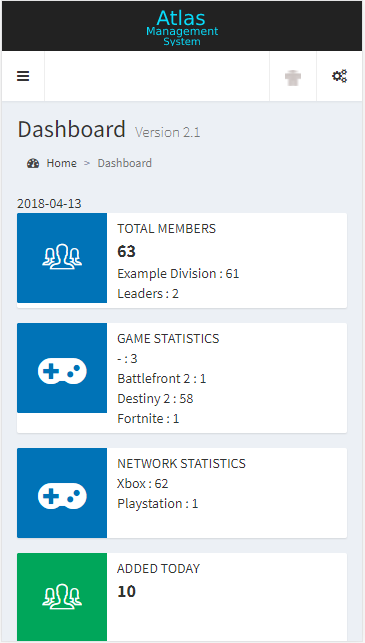
Mobile View
AMS was designed to be responsive and mobile friendly.
Main Dashboard
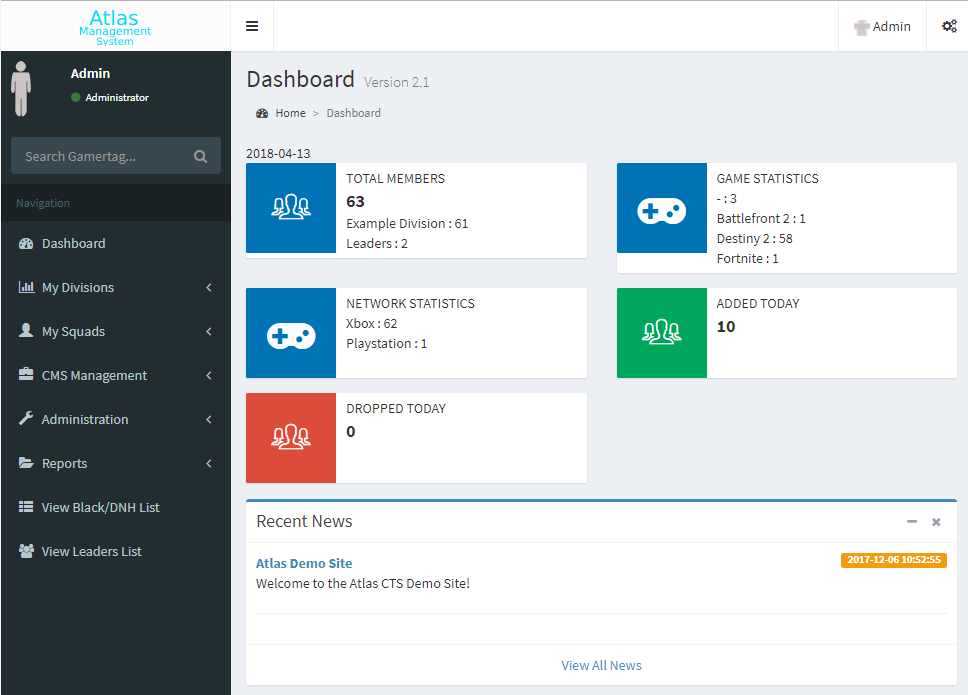
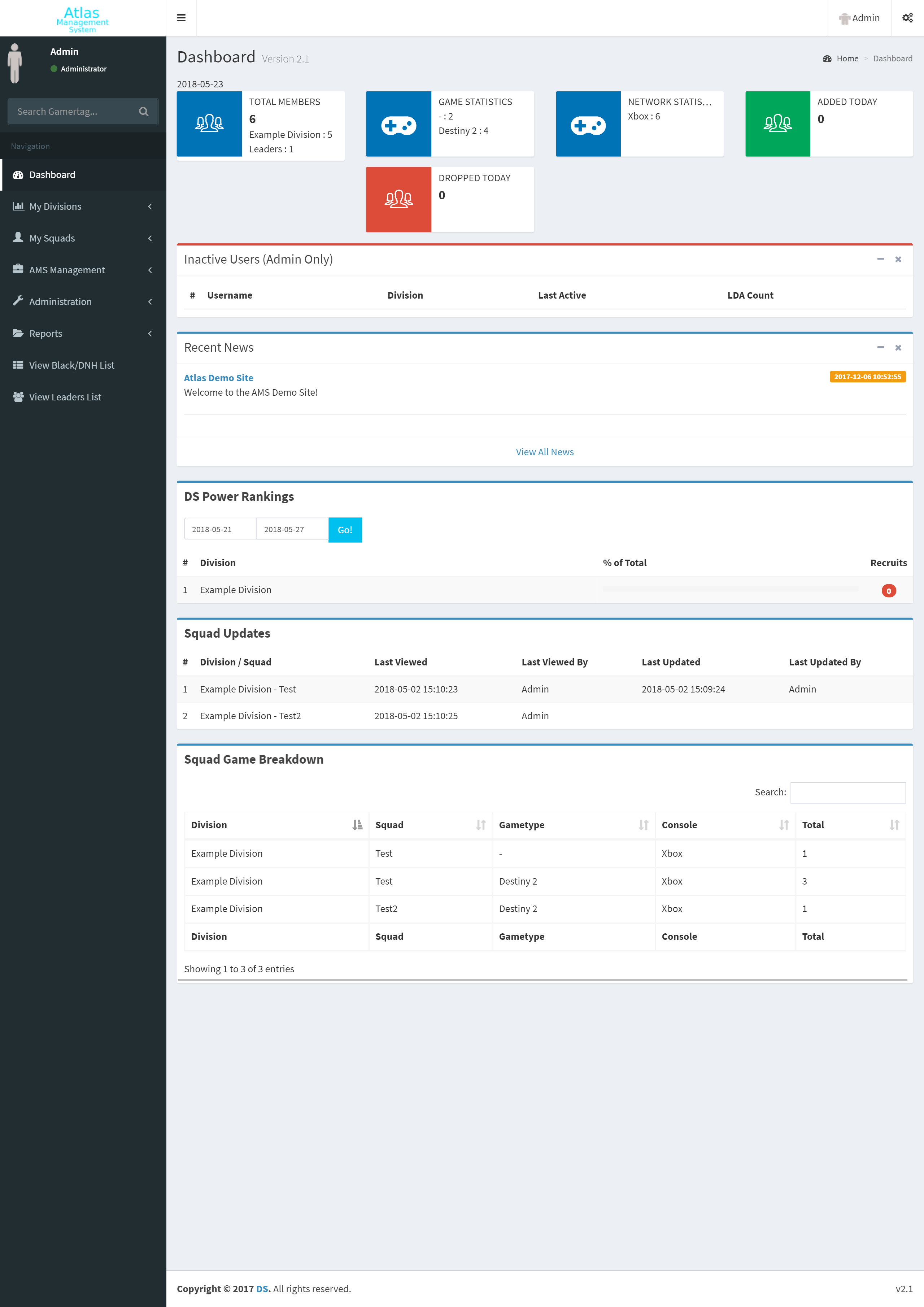
Provides basic statistics and an overview of the community
Total members by division
Total members by game
Total members by console
Total members added/dropped today
Announcements for your users
Rankings by division per week
Displays when squads were last viewed and updated
Displays a breakdown of what games squads play
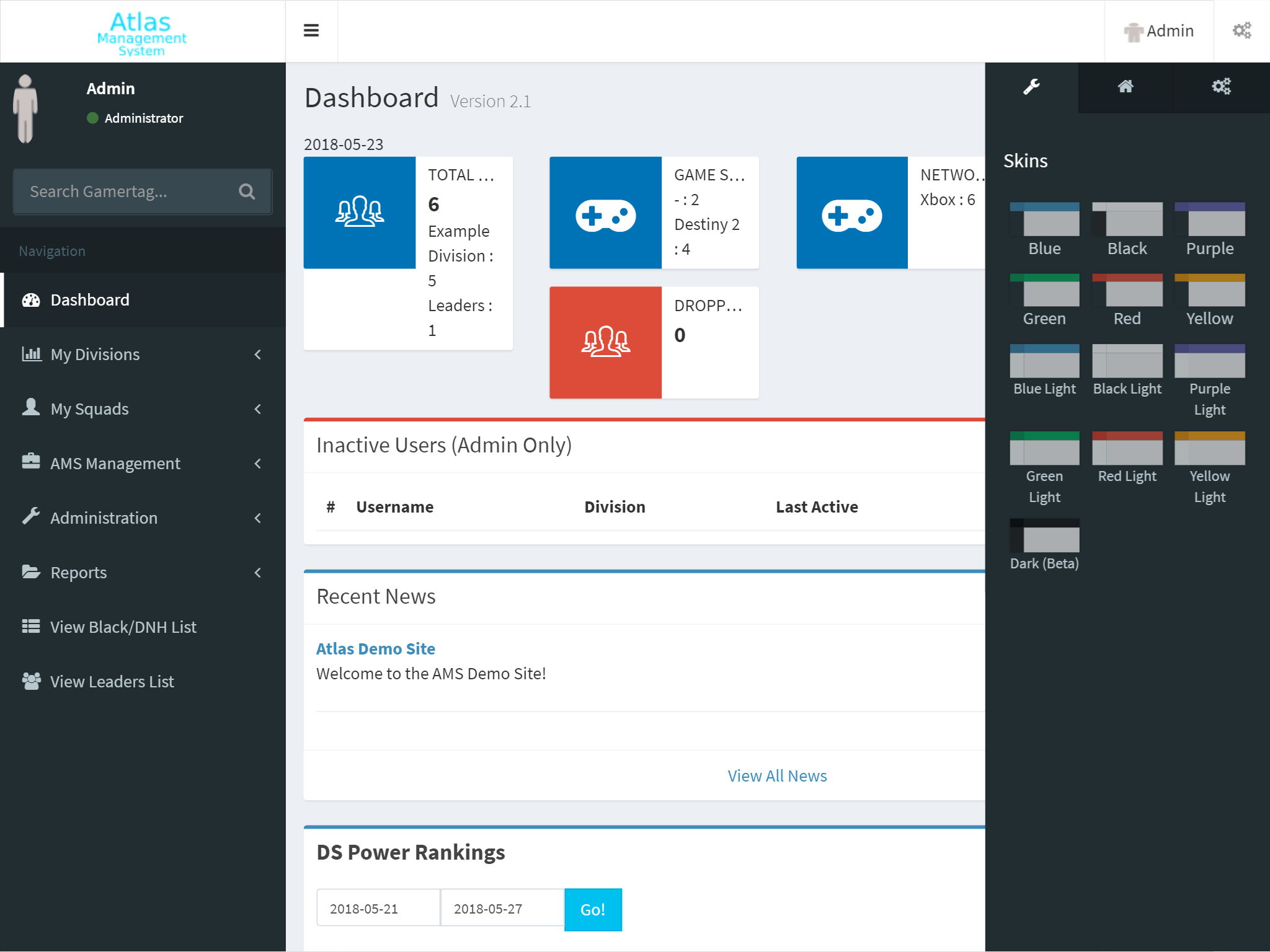
Available Skins
Each user can customize their view by choosing their own theme/skin color
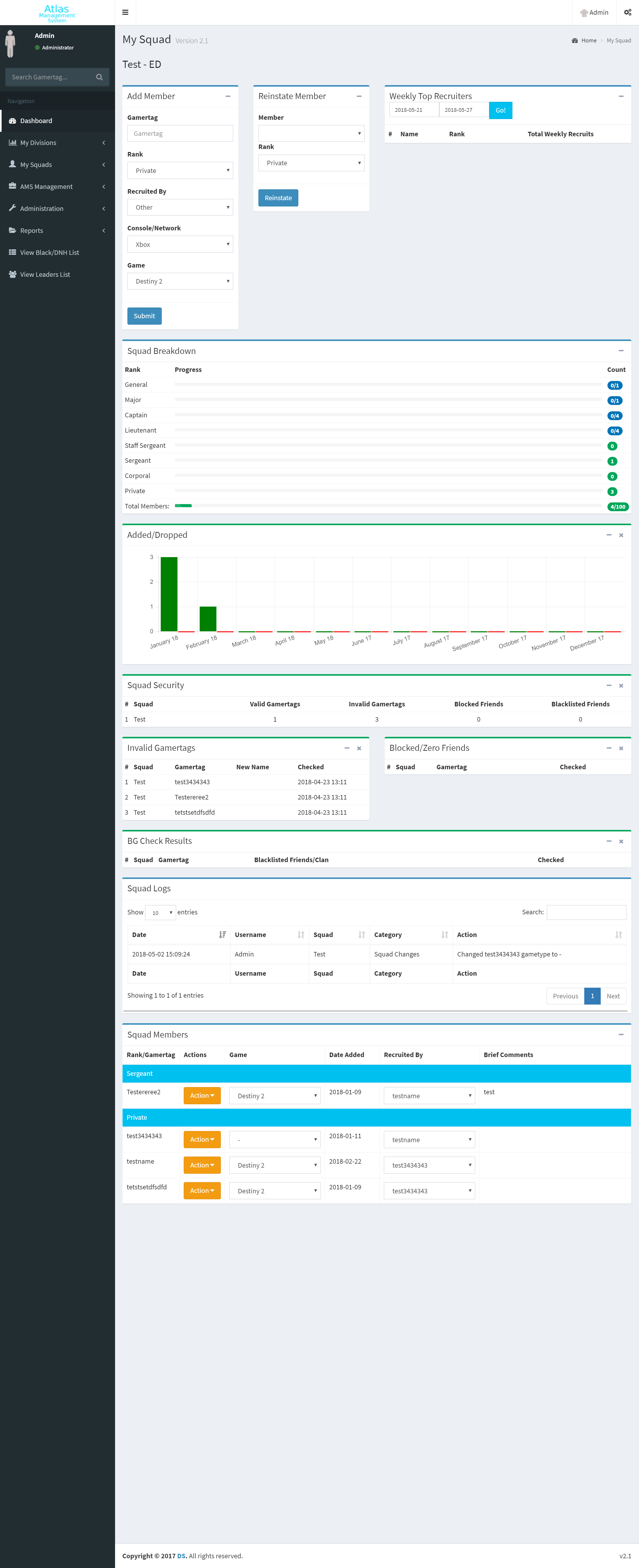
Squad Page
The place where members get added to squads and where you can view squad specific statistics.
Add/drop/reinstate/view members
Track who recruited the member
Change squad member’s game
Promote/demote members
Make comments on squad members
View weekly top recruiters
Total members by rank
Total members added/dropped today
View squad security and invalid xbox gamertags
*View background check results (Addon)
View squad logs
Division Page
Area to setup squads, set background check passwords (Addon), and view division specific statistics.
Create/edit/disable/configure squads
Division & squad statistics
Top recruiters in division
Division security and invalid gamertags
Division and squad logs for the specific division
*View background check results (Addon)
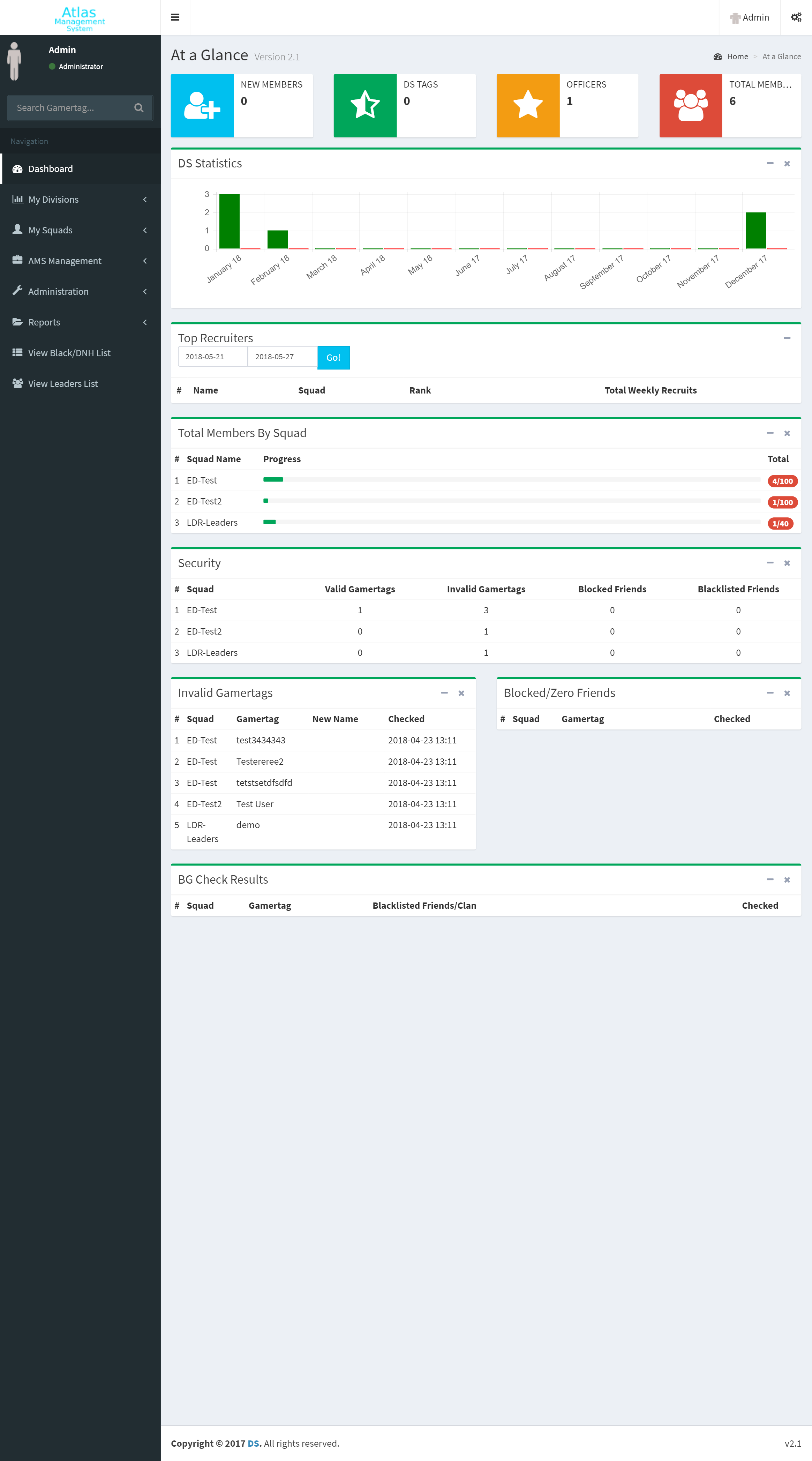
At a Glance Report Page
Community statistics and information all on one page
View add/drop statistics for the community
View community top recruiters
View add/drop/total statistics by division/squad
View security and invalid gamertags in the community
*View background check results (Addon)
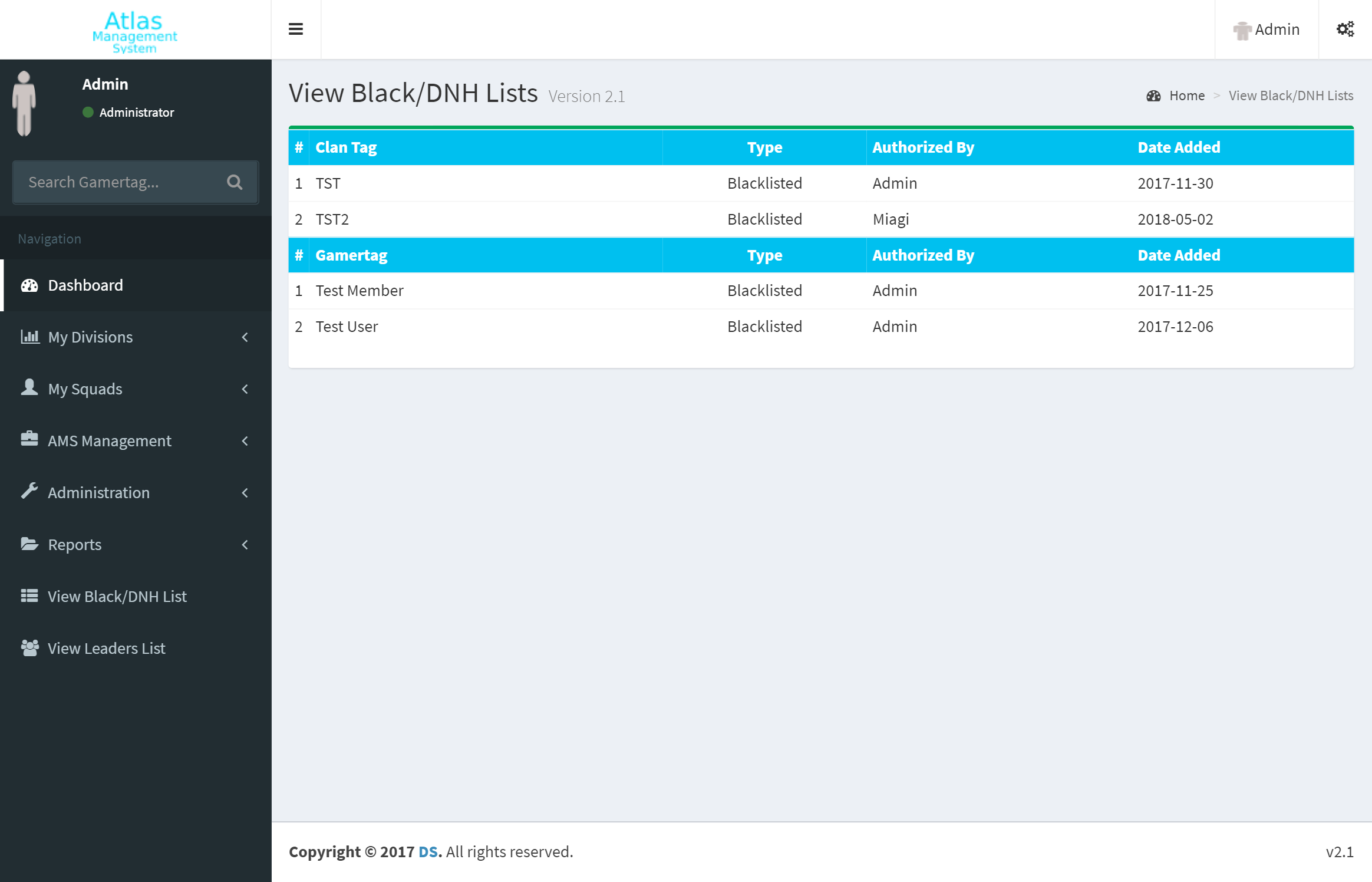
Blacklists/DNH Page
Page to view/edit/add community blacklisted members or communities or DNH listed members or communities
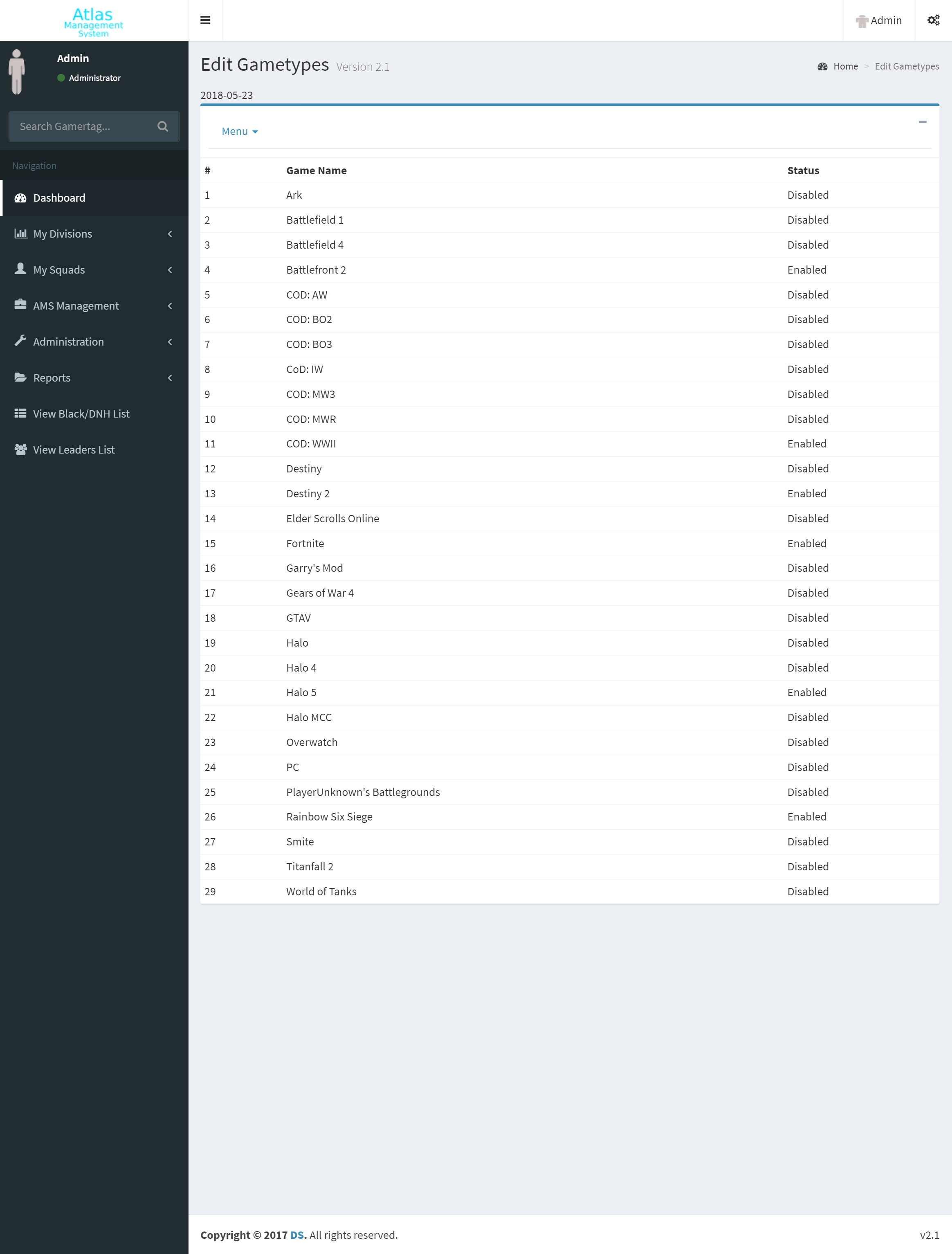
Game Lists
Easily add, edit, or disable games that are assigned to members in the system.
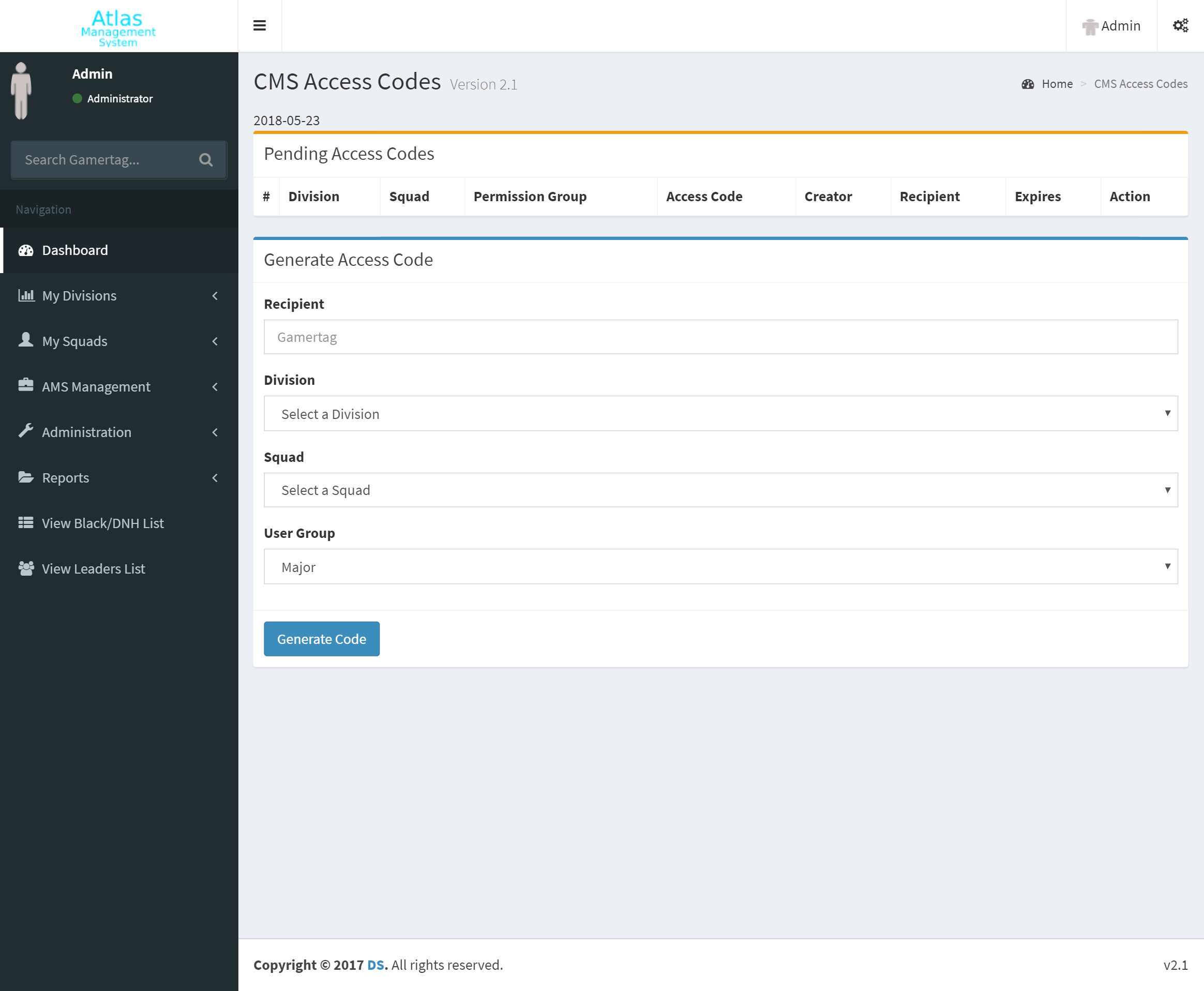
Access Codes
Control who has access to your system by choosing who can create access codes and who can approve access codes that new users need in order to register for an account.
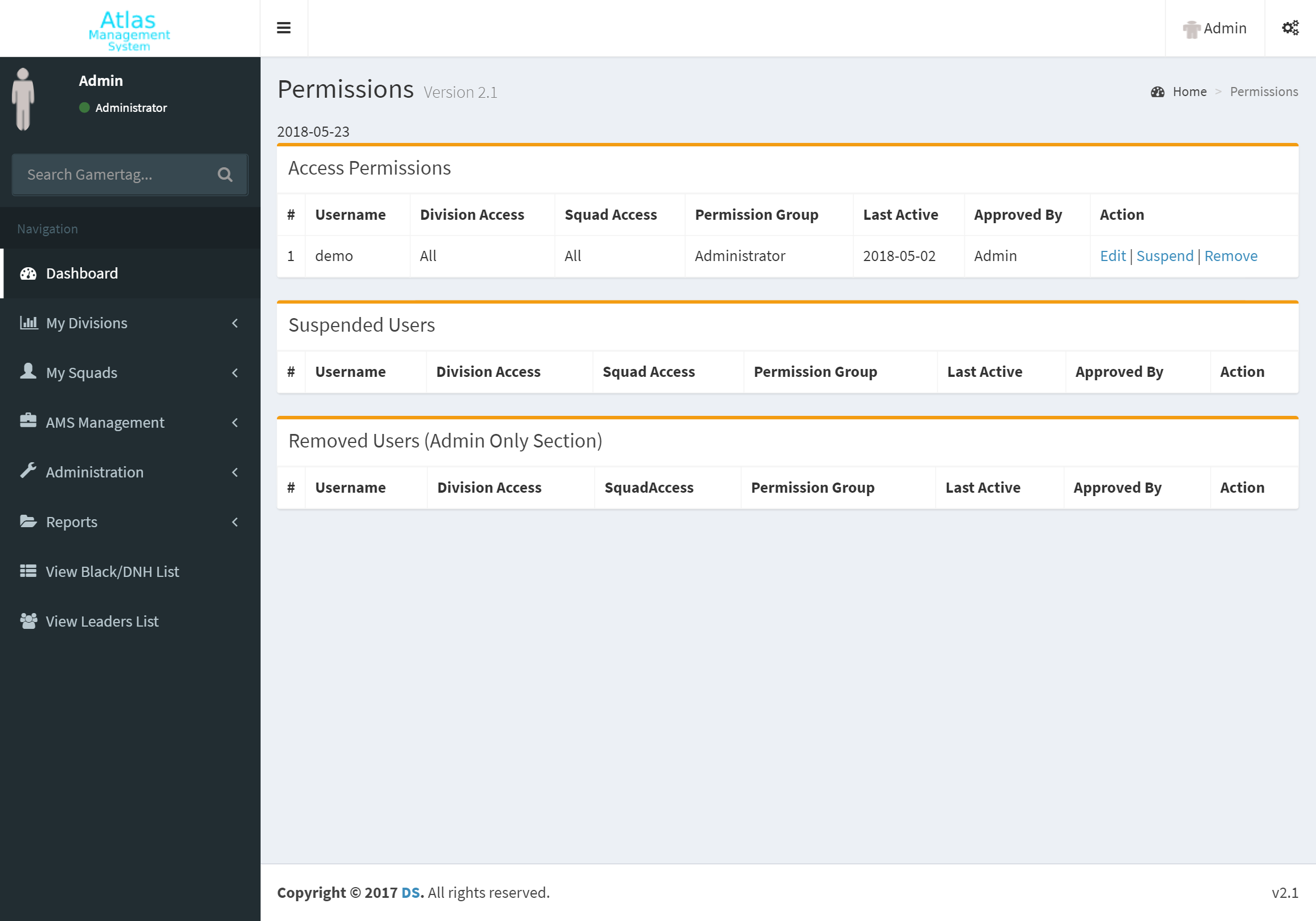
Control Access
Ability to suspend, remove, or modify accounts. When a member is suspended they will receive an error message if they attempt to login. Furthermore, you can change a users group permission to change their access or set access options on an individual basis.
Optional Xbox Background Checks
Optional Xbox Background checks are made possible with the use of XboxAPI.com integration.
XboxAPI.com is a separate website that you must signup and subscribe to one of their plans. Then you can add any xbox account that you wish to their site to be able to scan friends. *Note: Community members must have added the aforementioned account/tag to their friends if they have their friends set to viewable by friends only.
We personally recommend either the 400 API (400 lookups an hour) or the 1000 API (1,000 lookups an hour).
Once you have an XboxAPI code, simply paste it into your settings page.
Monitor Atlas Management System with Discord Alerts
One of our recent additions to AMS is discord alerts. Simply create a webhook for a channel in your discord server and copy/paste the url into the discord integration on AMS settings and receive configurable alerts to your channel.
You can also create a separate webhook to enable blacklist/dnh alerts to be sent to a separate channel from the discord audits channel.